 pve-agents
Your first workspace
The loop you actually live in, once the controller is running.
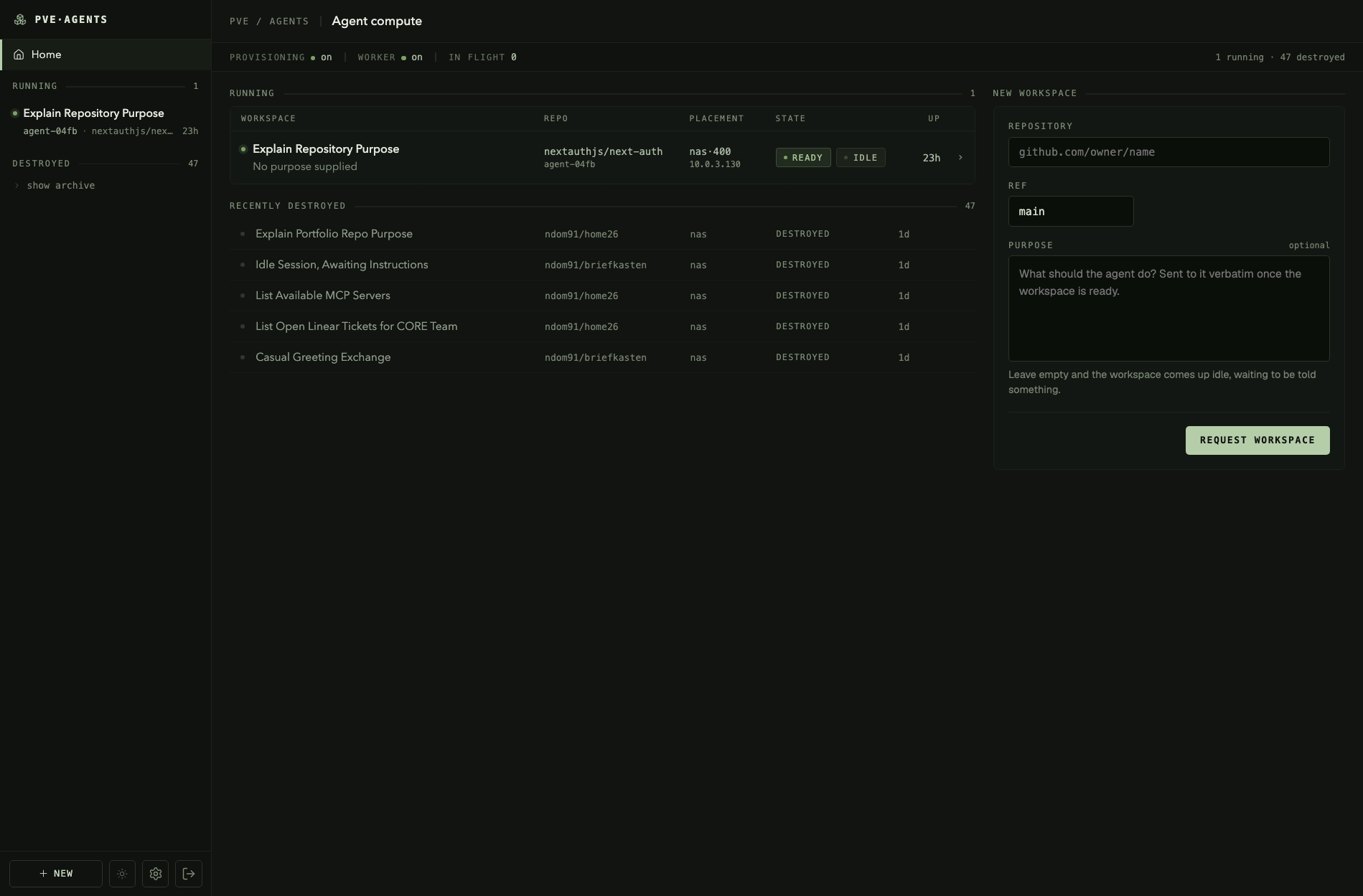
From a controller that starts, this is the whole loop: ask for work, watch it happen, answer the agent, keep or throw away what it wrote, destroy the container.
Everything here works with PROVISIONING_ENABLED off, up to the point where a container would have
to exist. That is the intended way to see the state machine without a hypervisor.
Ask for work
The form takes four things: an agent, a repository, a ref, and a purpose. The purpose is handed to the agent verbatim, so write it as you would write it to a person — "work out why the nightly job leaves orphans behind" rather than a list of steps.
With no agent configured the form has nothing to offer, and says so rather than failing. Add one in Settings → Agents first. There is no default agent, here or over the API.
The same request over HTTP, for a CI job or a terminal:
curl -X POST http://127.0.0.1:3000/api/workspaces \
  -H "x-api-key: $PVE_AGENTS_KEY" \
  -H "content-type: application/json" \
  -d '{"idempotencyKey":"first-try","harnessId":"<from the Agents tab>","repository":"github.com/you/your-repo","ref":"main","purpose":"Find out why the nightly job leaves orphans behind"}'
See the HTTP API for the rest of it, including why harnessId has to be
copied out of the UI rather than looked up.
Nothing advances until a worker runs, and the worker is off by default. WORKER_ENABLED=false
is deliberate: the first real clone and destroy are worth stepping by hand, with Proxmox inspected
between passes.
pnpm worker:tick                 # one pass
pnpm worker:tick --watch 5       # poll every five seconds
Set WORKER_ENABLED=true once you have watched it work, and the same loop runs inside the server
process.
The request is accepted immediately and the container appears some tens of seconds later. One durable operation advances one phase per pass, resuming from the database rather than from memory — see provisioning for the phases and what each one means.
ready means briefed and working, not merely built.
Watch it
The centre column is the agent's conversation, streamed over server-sent events. It is a conversation rather than a terminal: tool calls arrive as typed messages, so what the agent is about to do has a visible subject.
Open the page late and you still get the whole transcript. A reader receives the runner's entire snapshot first and live events after it.
Answer it
A tool call that no rule resolves surfaces in the browser as an approval, with the thing it wants to do stated. Approve it, or deny it with a message — the model reads the message and works around it, which is the difference between a denial and a dead end.
Permissions default to auto: a second model reviewing each action rather than a person. Where auto
mode is unavailable the session silently runs manual instead, which degrades safely here, because
every call then reaches this same UI.
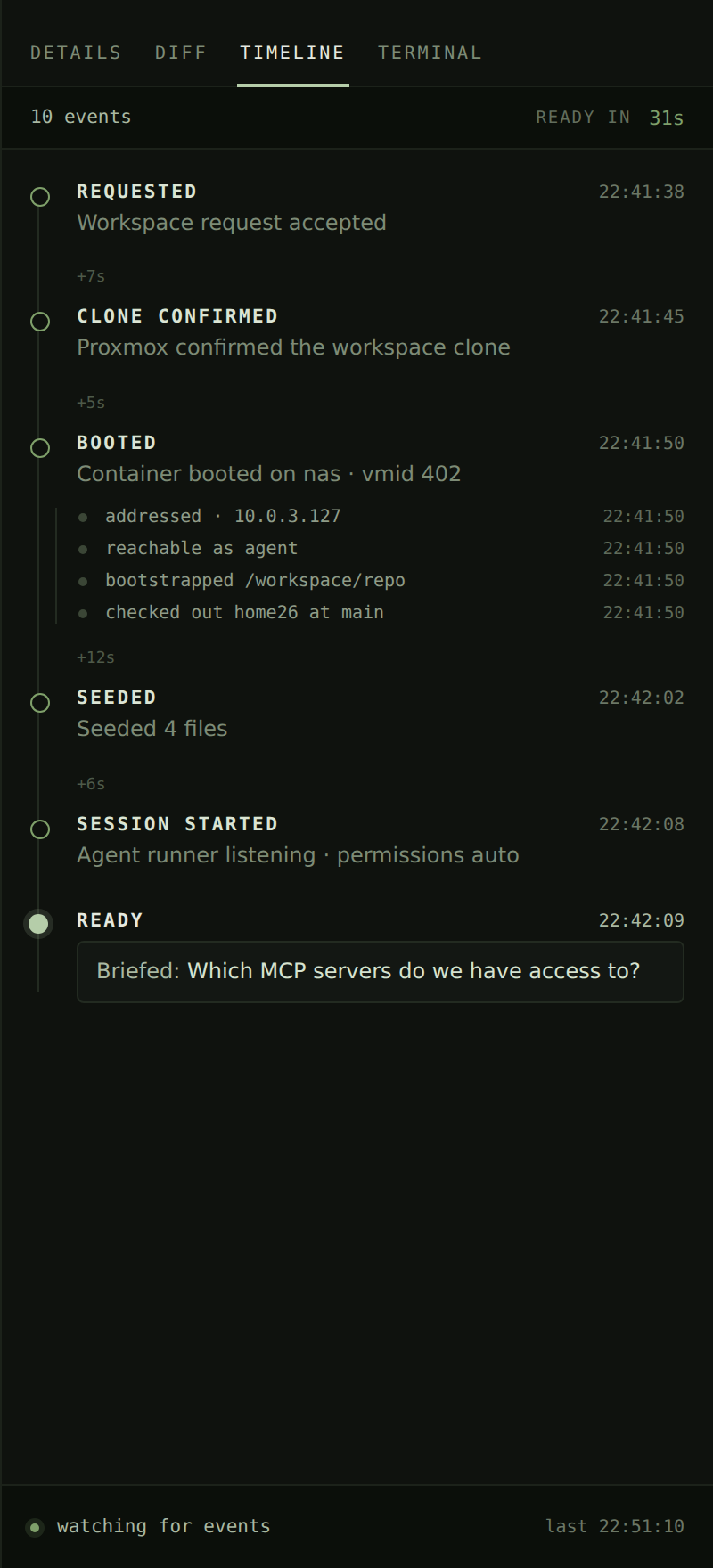
The Timeline tab records what was decided — prompts, approvals, pushes, discards — and survives in the database.
Read what changed
The Diff tab is every changed file as one page, each row collapsed and unfolding in place. Rows fetch when opened and unmount when folded, because each read is an SSH round trip.
Untracked files appear like any other. The diff is read as two file contents rather than as a
patch, since git diff says nothing at all about a file the agent just created — the commonest
change there is.
The rail drags wider from its left edge, and the width is remembered.
Keep it, or throw it away
- Push commits everything and sends it to
pve-agents/<hostname>. Never the ref you checked out. A side branch is what makes the button safe enough to need no confirmation. - Discard resets the working tree, behind a confirmation that names the files it will destroy. Commits survive it.
Both re-read the tree afterwards, so a workspace held back from reaping is released at once rather than at the next pass. Seeing the work has the reasoning behind each of these.
Drop into a shell
The Terminal tab is a real login in the container, over ssh -tt, for everything a transcript
cannot do — git log, reading a file the agent did not mention, running the test suite yourself.
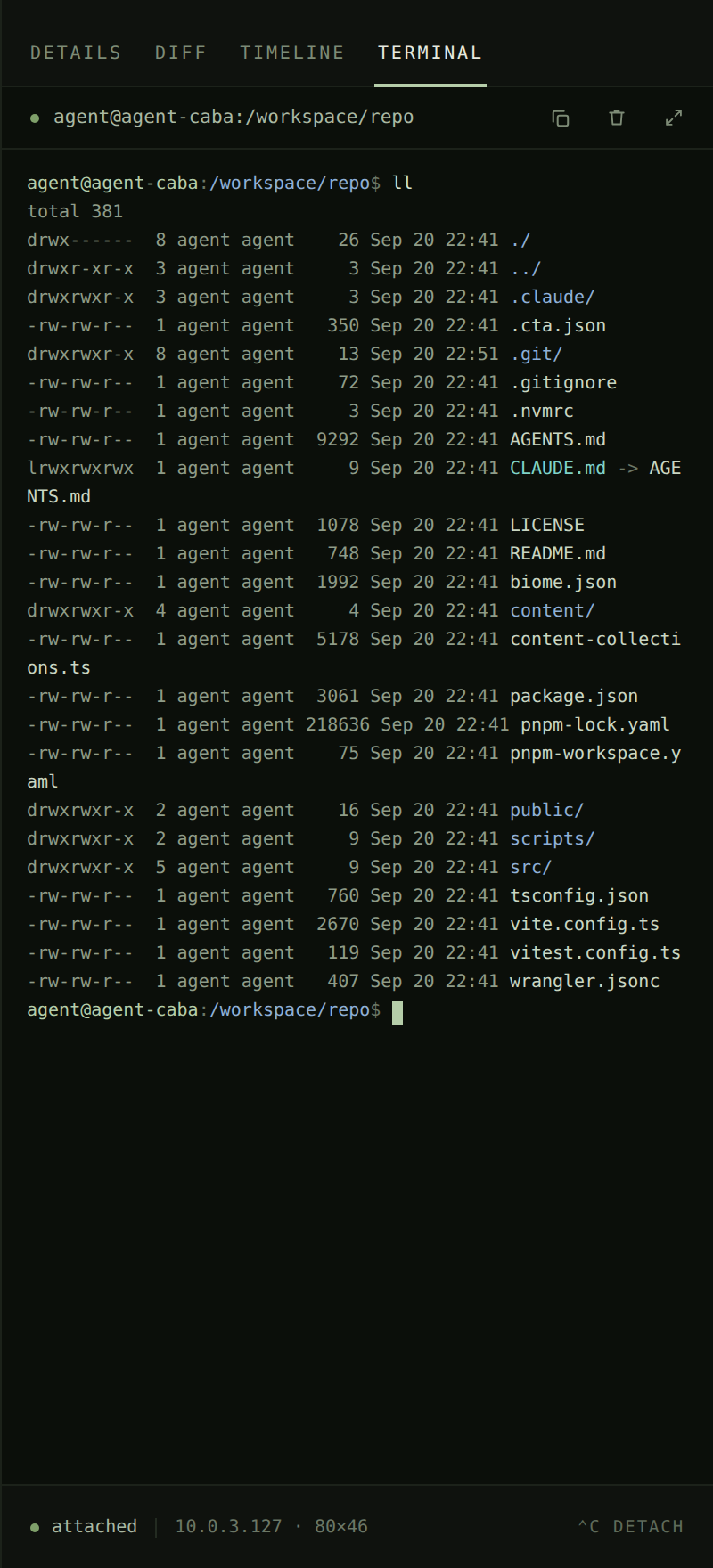
It is a separate session from the agent's, on purpose: poking about must not put keystrokes into a conversation an agent is working in.
The window size is set once, before the shell starts, and a browser resize does not follow it.
Let it go
Destroy the workspace when it has outlived its usefulness, or leave it and let the reaper take it. Reaping is off until switched on, and configured from the settings page rather than the environment, so a change to a threshold applies without a restart.
Three things exempt a workspace from destruction: a blocked agent, uncommitted or unpushed work, and a workspace the controller could not inspect. The UI marks each, and the timeline records why a reap was declined.
Destroying a workspace destroys its transcript. It is replayed from the runner rather than mirrored into the database. What was decided survives in the timeline; what was said does not.
Last updated on